| USA
| USA | México
 | India
 | Canada
 | Colombia
 | Brazil
Our Support
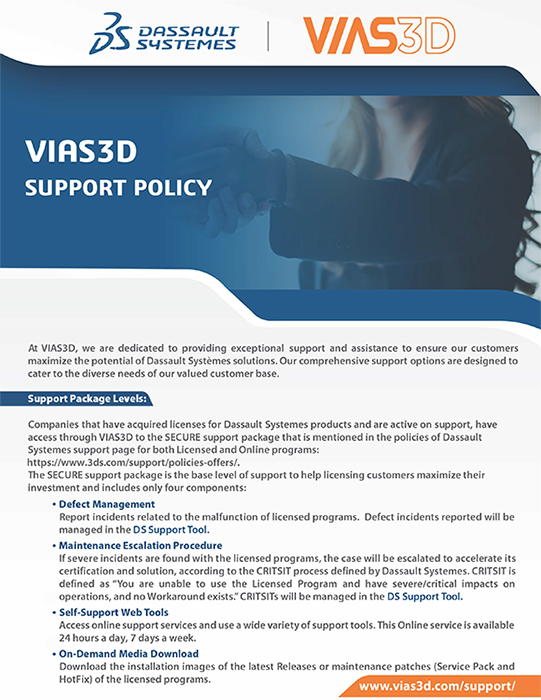
Welcome to VIAS3D. We are here to help you succeed with your Dassault Systèmes solutions.
Getting support is as simple as sending us an email at support@vias3d.com
Engineering Support Built for Performance-Critical Teams
Downtime Costs More Than You Think
Engineering slowdowns don’t just delay projects — they impact delivery schedules, validation cycles, customer commitments, and revenue.
- Reduce iteration delays
- Improve first-pass success
- Stabilize simulation workflows
- Provide defined technical allocation
- Give your team direct access to subject matter experts

THREE LEVELS OF TECHNICAL ENGAGEMENT
STANDARD SUPPORT
Everyday Application Support
- Application usage (excludes advanced topics and custom applications)
- Application troubleshooting (focused on identifying and reporting issues)
- License installation assistance
- Feature import guidance
- Best-practice recommendations
- Enhancement request submission
- Access to training & knowledge base
Application usage and troubleshooting refers specifically to the software itself. It does not include support for models, processes, workflows, or best-practice usage.
For non-blocking issues and standard operational needs.
PRIORITY CARE
Structured & Elevated Support
Includes everything in Standard, plus:
- 5-hour dedicated support block
- Standard desktop installation (1 server / 1 client)
- Structured prioritization
- Training benefit
- Commercial: 1 class
- Academic: Unlimited fundamentals
- Teams managing multiple active projects
- Organizations needing guaranteed support allocation
- Engineering leaders seeking predictability
PREMIUM SUPPORT
Advanced Engineering Partnership
- Advanced project troubleshooting
- Solver stability & meshing support
- Custom scripting & automation
- Workflow development
- R&D & advanced analysis expertise
- Direct SME access
- Mentoring & knowledge transfer
- Simulation-heavy environments
- R&D teams
- Organizations optimizing performance at scale
- Teams accelerating product validation
Strategic. Consultative. High-Impact.
Premium Support can be purchased at any time.
Need Extra Help or Customized Support?
Connect with our technical experts today.
HOW OUR SUPPORT ENGAGEMENT WORKS
Step 1
Select Your Engagement Level
Step 2
Submit Through Our Centralized Portal
Step 3
Resolution Based on Impact Level
This ensures prioritization aligns with operational risk.
Centralized Support Portal
- Structured ticket tracking
- Transparent communication
- Defined support allocation
- Clear technical ownership

Why Teams Choose VIAS3D
- Software expertise
- Simulation depth
- Workflow optimization
- Strategic guidance
- Direct SME engagement

Structured. Transparent. Defined.
Support Policies
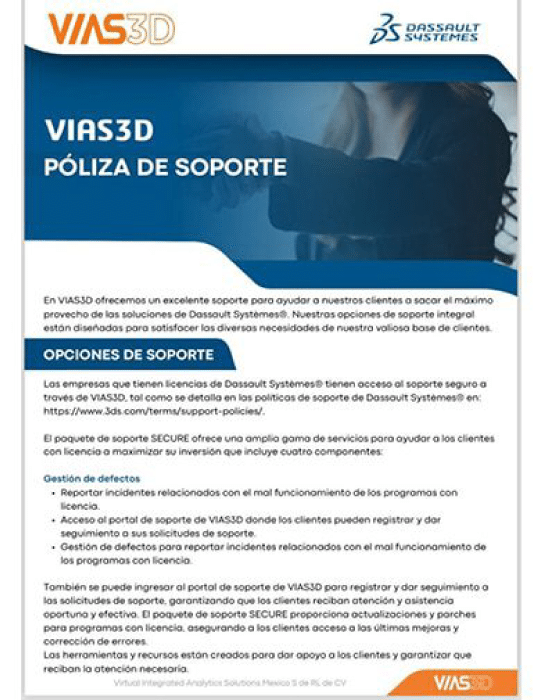
Our support engagements are governed by clearly documented policies to ensure alignment, accountability, and consistency across all service levels.
Review our official documentation to understand: Support scope and coverage, Severity classification and prioritization, Response framework, Escalation pathways, Academic support structure. Accessing these policies ensures clarity before initiating any support engagement.